LED Floor Lamp Remote Not Working? Fix Battery, Pairing & Range
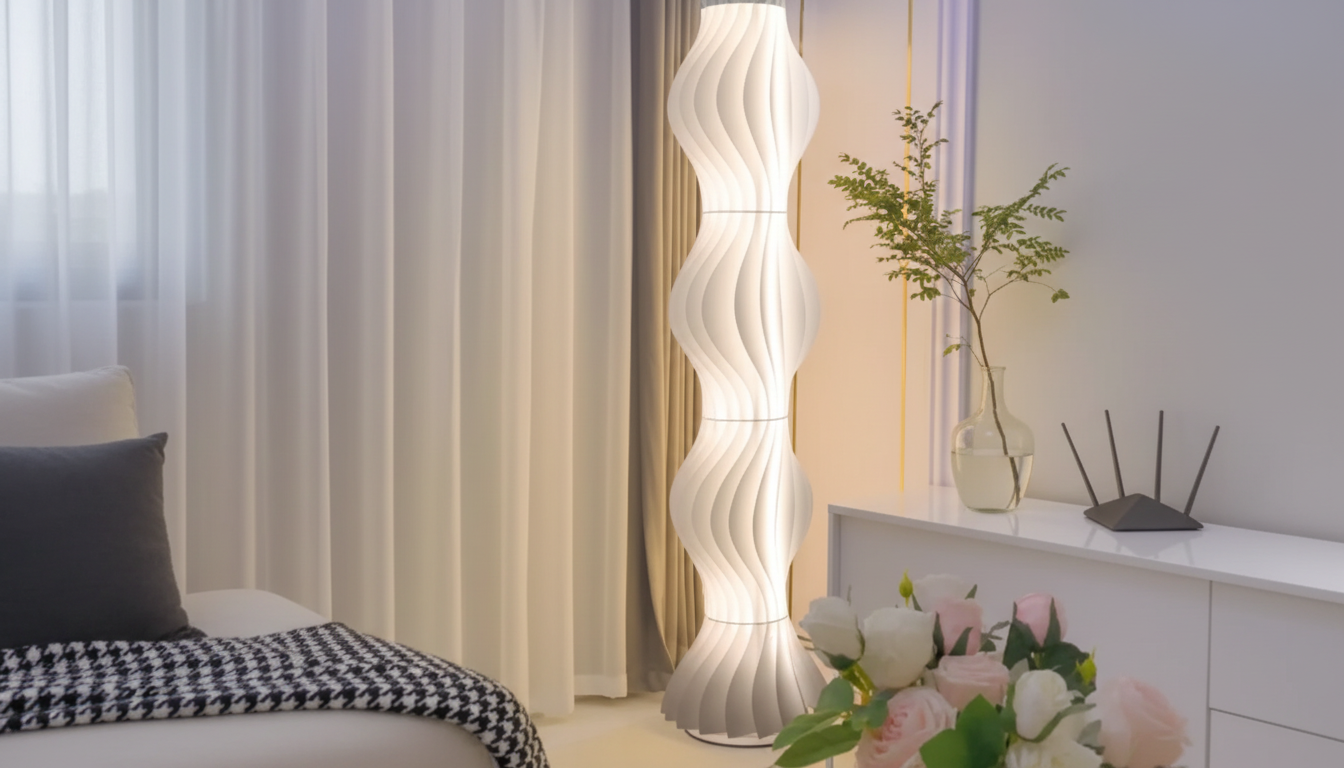
Why is my LED floor lamp remote not working?
When an LED floor lamp remote stops responding, the issue is usually power, pairing, or interference—not the lamp itself. A few quick checks can typically get the remote working again without replacing parts.
1) Check the battery (and the contacts)
Start with the simplest fix: replace the remote’s battery with a fresh one of the correct type. Even if the battery still “works” in another device, low voltage can prevent the remote from sending a strong signal. While the battery is out, look for corrosion or dust on the metal contacts; wipe them gently with a dry cloth or a cotton swab with a tiny amount of isopropyl alcohol, then let it dry fully.
2) Confirm the lamp has power and is in the right mode
Make sure the lamp is plugged in securely, the outlet is working, and any inline foot switch is turned on. Some dimmable corner or ambient floor lamps won’t respond to the remote if they’re fully powered off at the switch. Turn the lamp on from the switch first, then try the remote.
3) Re-pair or reset the remote connection
Many modern LED floor lamps use RF or 2.4GHz remotes that may need to be re-synced after a battery change or a power outage. Unplug the lamp for 30 seconds, plug it back in, then try pressing the power button on the remote several times. If your lamp model includes a pairing step (often done right after plugging in), follow the timing instructions from the product guide.
4) Reduce interference and increase range
Stand closer to the lamp and try again. Nearby Wi‑Fi routers, USB hubs, metal shelving, or other wireless LED controllers can sometimes interfere. Move the lamp or the interference source slightly, and avoid aiming through thick furniture or mirrored surfaces.
5) Rule out a remote hardware issue
If the lamp responds intermittently, the remote’s buttons may be stuck or worn. Press each button firmly a few times. If nothing works after new batteries and a reset, the remote may need replacement.
For more setup and troubleshooting tips for dimmable LED corner and ambient floor lamps, visit this full guide.
FAQ
How do I reset a dimmable LED floor lamp?
Unplug the lamp for 30–60 seconds, then plug it back in and turn it on at the switch. If your model supports re-pairing, complete the pairing step immediately after restoring power.









Leave a comment