360° Magnetic Phone Holder for Travel & Hands-Free Viewing
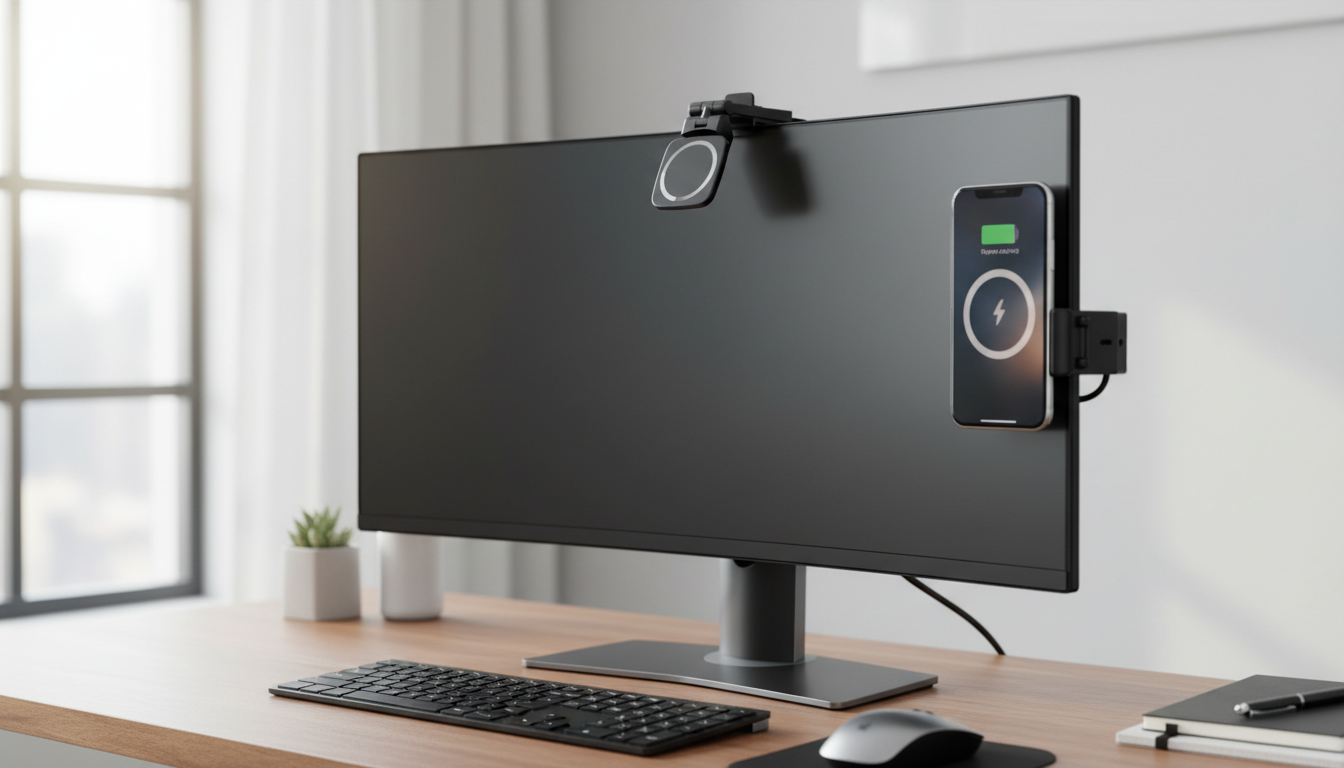
Universal Magnetic Phone Holder with 360° Rotation for Hands-Free Travel
When you’re moving—through airports, on trains, in rideshares, or even between meetings—holding a phone for constant checking, streaming, and navigation gets old fast. A compact magnetic travel mount solves that by keeping your screen steady, visible, and easy to adjust without a bulky stand taking up space in your bag. With smooth 360° rotation, it’s simple to switch between portrait and landscape for maps, video calls, playlists, or a quick episode while you wait at the gate.
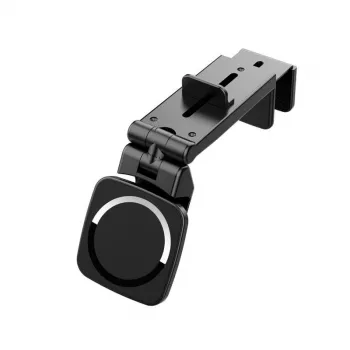
If you want a simple everyday setup that travels well, the Universal Magnetic Phone Holder – 360° Rotation Hands-Free Travel Mount is designed for quick docking and fast angle changes—so the phone stays where you need it, not in your hand.
What This Magnetic Travel Mount Does Well
- Keeps the phone at eye level for hands-free viewing during travel, commutes, and daily routines
- 360° rotation for fast portrait/landscape changes without re-mounting
- Magnetic attachment for quick one-hand docking and removal
- Helps reduce hand strain during long viewing sessions (maps, movies, video calls)
- Useful as a temporary stand in places where traditional tripods or bulky mounts are inconvenient
The real advantage of a rotating magnetic holder is speed: snap the phone on, twist to the angle you want, and get back to what you’re doing. It’s especially handy when a situation changes quickly—like moving from walking directions to a landscape video call, or from scrolling to a horizontal map view.
Best Use Cases: Where a Rotating Magnetic Holder Helps Most
- Flights and trains: stable viewing on tray tables or tight spaces (where mounting is permitted)
- Rideshare or rental cars: convenient placement for directions and quick glances without handling the phone
- Hotel rooms and airports: turns a phone into a mini screen for streaming, calls, or work
- Kitchen and home: recipe viewing, timers, and hands-free music control
- Workouts and walks: set the phone at a comfortable angle for guided routines and calls
Travel days often include long stretches of waiting. A compact mount can turn a phone into a small “second screen” for messages, boarding details, entertainment, or a hands-free call while you repack a bag. For road use, keeping a device mounted can also reduce the temptation to pick it up—an important part of safer driving behavior outlined by NHTSA guidance on distracted driving.
How Magnetic Phone Holders Stay Secure
- Magnetic hold depends on magnet strength, contact area, and alignment between the phone/plate and mount
- Cases can reduce hold strength—thin cases typically work better than thick, rugged designs
- For non-magnetic phones or cases, a metal ring/plate accessory is often used to create a strong magnetic interface
- Rotation should feel smooth but resist drifting; if the angle slips, reposition to balance the phone’s center of gravity
- Avoid placing the mount where it can be bumped frequently (bag straps, elbows, tight aisle traffic)
Magnetic systems work best when the contact surfaces meet cleanly and squarely. If you use a MagSafe-style ecosystem, proper ring alignment helps maximize holding power and makes rotation feel more controlled. (For background on how MagSafe alignment works, see Apple’s MagSafe overview.)
For larger phones, leverage matters: the further you tilt the screen away from the mount, the more “pull” the phone creates. A small adjustment—centering the phone and choosing a moderate tilt—often makes the setup feel noticeably more stable.
Quick Specs and Compatibility Checklist
Compatibility and Practical Setup Guide
| Feature | Why it matters | Practical tip |
|---|---|---|
| 360° rotation | Switches between portrait and landscape fast | Use landscape for video and maps; portrait for messaging and scrolling |
| Magnetic attachment | Enables quick dock/undock without clamps | Center the phone carefully for maximum holding power |
| Case friendliness | Thick cases can weaken the magnetic hold | If grip feels weak, try a thinner case or add a compatible ring/plate |
| Large-phone stability | Bigger phones create more leverage when angled | Keep the phone’s center aligned and avoid extreme tilt on bumpy rides |
| Cable routing | Charging cables can push against the phone and cause slip | Use an L-shaped cable or route the cable downward with slack |
Placement, Care, and Travel Safety Tips
Who It’s For (and Who May Want a Different Style of Mount)
Travel-Friendly Picks to Pair with a Hands-Free Setup
- Universal Magnetic Phone Holder – 360° Rotation Hands-Free Travel Mount for quick dock/undock and easy rotation between portrait and landscape
- Calvin Klein Retro Square Sunglasses with Dark Lenses for bright terminals, window seats, and outdoor walks between stops
- IPL Eye Beauty Device with Three-Color Light & Vibration for a compact self-care routine on longer trips and hotel stays
FAQ
Will this work with non-magnetic phones or cases?
Many universal magnetic mounts work with non-magnetic phones by using an added metal ring or plate on the phone or case. Keep in mind that very thick cases can weaken the magnetic hold, so a thinner case or a properly placed ring/plate usually improves stability.
Can the 360° rotation hold position on bumpy rides?
It can, but it depends on magnet alignment, the phone’s size/weight, and how rough the ride is. Center the phone carefully, avoid extreme tilt, and choose a placement that gets bumped less to help the angle stay put.
Is it safe to use a phone mount while driving?
A mount can reduce the need to handle your phone, but drivers should follow local laws and set navigation before the vehicle starts moving. Avoid interacting with the device while driving and pull over if you need to make changes.









Leave a comment